5 June 2026 · YouTube Ban Service · ~11 min read
How to Report YouTube Ads and Scams, and Request a Takedown
To report YouTube ads, open the Info (ⓘ) or ⋮ menu on the ad and choose Report this ad; scam ads, fake-investment pitches and impersonators all belong there. Reporting the channel behind them, a copyright or legal removal request, and a cease-and-desist letter are the heavier YouTube takedown tools for when one ad is just the opening move.
How do you report a scam ad on YouTube?
To report a scam ad on YouTube, click the Info (ⓘ) badge or the ⋮ menu on the ad, choose Report this ad, and pick the reason that fits best — most scam ads land under misleading content or impersonation. On a skippable video ad the control sits in the top corner of the player; on a banner or in-feed ad it hides behind the same three-dot icon. A YouTube ad report then goes to Google's ad-review team, not to the channel whose video you were watching. Watch the wording: Block ad only hides that ad from you and tells Google nothing, so when money, crypto or a cloned brand is involved, choose Report instead.
How to report a YouTube ad on mobile
Reporting a YouTube ad on mobile follows almost the same path. In the YouTube app for Android or iPhone, tap More or the Info icon on the ad, choose Report ad, complete the short form, and submit. Google's official ad-reporting help confirms the flow works on the app and the desktop site, though not on the living-room TV app — so flag a mobile-served scam ad from the phone that showed it, while you can still see which advertiser ran it.
What makes an ad a scam, and how many slip through?
An ad is a scam when it breaks Google's Misrepresentation policy: phishing for logins, fake-investment or crypto "guaranteed return" pitches, cloned brand pages, deepfaked celebrity endorsements, and bogus support hotlines. Google's Ads policies say an advertiser account can be suspended on detection of these tactics, without prior warning. The scale is the reason a few still reach you. In its 2025 Ads Safety Report, Google says it blocked or removed more than 8.3 billion ads and suspended 24.9 million advertiser accounts that year — including 602 million ads and 4 million accounts tied specifically to scams — while its Gemini models stopped over 99% of policy-violating ads before anyone saw them. The handful that slip past automated review are the ones your report is built to catch.
How do you report scammers and scam channels on YouTube?
To report a scammer on YouTube, open one of their videos, click the ⋮ More menu under the player, choose Report, and pick Spam or misleading, then the scams or fraud option. To report a scam YouTube channel as a whole, go to the channel page, open …more in the About section, and choose Report user. One catch trips people up: reporting the channel reviews only its profile — handle, banner and description — not its uploads, so flag a few specific scam videos as well to hand reviewers concrete examples.
The steps to report a scam on YouTube are the same whether it is one video or a network of them, and the same ⋮ menu covers more than fraud. To report abuse on YouTube — targeted harassment, threats or doxxing aimed at a person — pick the Harassment reason instead; to report a channel on YouTube for impersonating you, use the impersonation category and, if it is cloning your brand, you may also need to reclaim your @handle. Need the per-video walkthrough? Our guide to reporting a single scam video covers each reason in order. And if a scam ad or channel actually took your money, YouTube is only step one: file with the U.S. Federal Trade Commission at reportfraud.ftc.gov and report cyber-enabled theft to the FBI's Internet Crime Complaint Center — those agencies, not YouTube, chase the fraud itself.
What happens when you report someone on YouTube?
When you report someone on YouTube, your flag joins a queue for human review — anonymously, so the person never learns who sent it — and nothing comes down until a reviewer confirms a real Community Guidelines breach. A report is a request for review, not a vote that auto-deletes anything. YouTube's reporting help stresses that flags are confidential and that "no amount of reporting" removes content a reviewer finds clean. That anonymity matters most when you are reporting a scammer who might otherwise come after the person who flagged them.
Outcomes scale with severity: an age restriction, a single video pulled, a formal strike, or termination for a channel built on fraud. This is also why buying reports or running a YouTube mass report bot changes nothing — YouTube drops suspicious, high-volume flagging from its data, and the tactic can boomerang onto your own account. The platform is, however, ruthless with genuine offenders: in the first quarter of 2025 it terminated nearly 2.9 million channels carrying more than 47 million videos for Community Guidelines violations, and 81.8% of those were spam, per its Transparency Report (as reported by CBC News). If a malicious report ever lands on your own channel by mistake, our walkthrough on appealing a wrongful strike covers the other side of this.
How do you terminate a scam YouTube channel or get it removed?
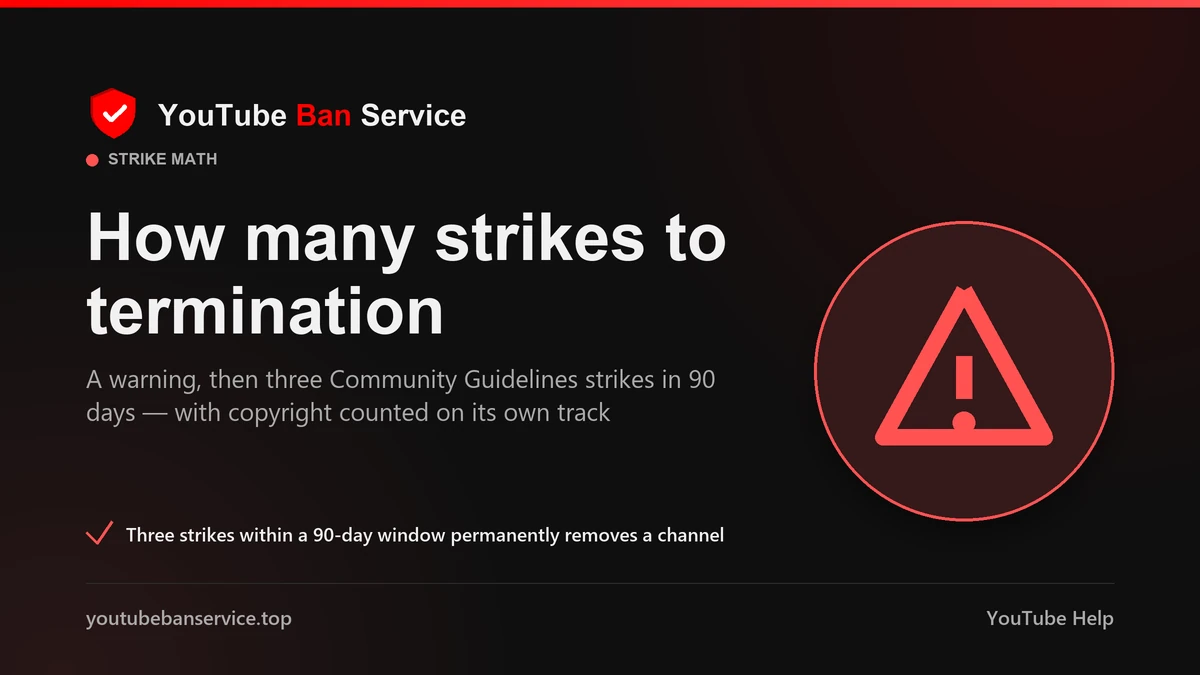
To get a channel removed from YouTube, you give it enough confirmed violations to act on — there is no "terminate this channel" button for outsiders. A single valid report can pull a video; a pattern of them drives strikes. YouTube issues a one-off warning first, then counts strikes: the first freezes uploads for a week, a second within 90 days for two weeks, and a third inside that window ends the channel. Each strike lapses after 90 days. A single severe case — coordinated financial fraud, say — can terminate a channel with no warning at all, and the owner is emailed and can appeal.
So the honest way to terminate a YouTube channel is to document what it did and let the strike system run; evidence decides it, not the number of people complaining. Where the channel sits afterwards — suspended, terminated or quietly deleted by its owner — changes what recovery is even possible, which our guide to a terminated versus deleted channel breaks down. If you are weighing several harms at once and want to know which one actually sticks, which violation gets a channel banned goes deeper.
When should you escalate to a YouTube takedown or removal request?
Escalate past a basic report when the content is unlawful, or when it is yours. Three heavier routes exist beyond Community Guidelines flags, and picking the wrong one stalls a sound case for weeks. A legal removal request — YouTube's Report content for legal reasons tool, run through Google's Legal Help — handles material that breaks the law, such as a privacy violation, defamation, or a court order, and it must come from the person harmed or their representative. A copyright takedown is fastest when a scammer re-uploaded your work: submit YouTube's copyright removal webform in Studio, and a valid notice can take down the video and place a copyright strike on the uploader. Because that notice is sworn under penalty of perjury, a knowingly false claim carries liability under Section 512(f) of the DMCA — so only file for work you genuinely own.
Shorts count as videos, so a takedown of a YouTube Short uses the same webform, and the same is true for any Shorts a scammer steals from you. A YouTube cease and desist letter, by contrast, is not a button on YouTube and not something YouTube sends — it is a formal letter your attorney delivers straight to the uploader, demanding they stop and take the content down, often before or alongside a legal removal request. It can work in days when the other side would rather not face a lawsuit. None of this is legal advice; talk to a lawyer about your situation. The table below maps each route to who can use it.
| Route | Fits | Who is able to file | Typical outcome |
|---|---|---|---|
| Report the ad | A scam ad you were shown | Any viewer | Sent to Google ad review; ad pulled if it breaks policy |
| Report the channel or video | Scams, impersonation, abuse | Any viewer | Human review; removal or a strike on a real breach |
| Legal removal request | Privacy, defamation, court orders | The person harmed or their lawyer | Legal review; timing varies by country |
| Copyright (DMCA) takedown | Your video or Short, re-uploaded | The rights holder | Video removed plus a copyright strike |
| Cease-and-desist letter | A namable scammer or defamer | You, via an attorney | Voluntary takedown, off-platform, often in days |
If you would rather not run the filing yourself, that is exactly what our content removal service does — qualifying the case, gathering evidence and submitting through YouTube's own forms — and the heavier DMCA and counter-notification process has its own walkthrough. When you are ready, get in touch and we will review the ad, channel or video with you.
How do you report a YouTube community post, comment or Short?
To report a YouTube community post, open the post, tap its ⋮ More menu, choose Report, and pick a reason — scammers lean on community posts because a pinned "I'm giving away crypto" link reaches subscribers in one tap. Comments, live-chat messages and Shorts each carry the same per-item ⋮ menu, so a fake "I just made $5k" comment or a scam Short gets flagged exactly where it sits. One thing to remember: reporting a single item does not report the whole account, so if the entire channel is a scam operation, flag the channel separately too. For the full set of report types and webforms in one place, see our YouTube reporting solutions, or let YouTube Ban Service match the right one to your case.
Official sources for reporting YouTube ads and scams
- YouTube Help — Report an ad on YouTube (desktop and mobile app)
- YouTube Help — Report inappropriate content (reporting is anonymous; "no amount of reporting" changes a clean review)
- YouTube Help — Community Guidelines strike basics (warning, then 3 strikes in 90 days)
- Google Ads — Misrepresentation policy (scams, phishing, suspension on detection)
- Google — 2025 Ads Safety Report (8.3B ads removed; 602M and 4M accounts tied to scams)
- YouTube Help — Submit a copyright removal request (webform)
- Google Legal Help — Report content for legal reasons
- U.S. Copyright Office — DMCA and Section 512
- U.S. Federal Trade Commission — Report fraud
- FBI — Internet Crime Complaint Center (IC3)
FAQ
How many reports do you need to delete a YouTube video?
No set number — reporting isn't a vote. YouTube removes a video only when a reviewer finds it breaks the Community Guidelines, so one accurate report on a real violation outweighs thousands of empty flags. YouTube also discards suspicious, high-volume flagging, and coordinated false reports can put your own account at risk.
Is reporting a scam ad or scammer anonymous?
Yes. YouTube and Google keep reports confidential, so the advertiser or channel can't see who flagged them. You also won't get a personal verdict on the outcome — silence doesn't mean your report was ignored, only that reports are private.
What should you do if you lost money to a YouTube scam?
Report the ad or channel to YouTube, then act off-platform. File with the U.S. Federal Trade Commission at reportfraud.ftc.gov, report cyber-enabled theft to the FBI's Internet Crime Complaint Center at ic3.gov, and contact your bank or card issuer quickly. YouTube can remove the scam; those agencies pursue the fraud itself.
Can you send a YouTube cease and desist letter yourself?
You can draft one, but a cease-and-desist carries far more weight from an attorney, and it goes to the uploader — not to YouTube, which has no cease-and-desist button. It works best paired with a legal removal request when someone is defaming you or refusing to take stolen content down. It isn't legal advice; consult a lawyer.
Do scam ads get the advertiser's account banned?
They can. Google's Misrepresentation policy lets it suspend an advertiser account on detection, without prior warning, and in 2025 Google suspended millions of accounts tied to scams. Your report helps catch the ads that automated checks miss before more people are shown them.