26 May 2026 · YouTube Ban Service · ~9 min read
YouTube mass report bot: what actually strikes or terminates a channel
No YouTube mass report bot can strike or terminate a channel, because YouTube was never built to count reports. A report is a request for human review, not a vote, and channels are only removed through two separate strike systems — Community Guidelines and copyright — that act on confirmed violations rather than the number of complaints filed.
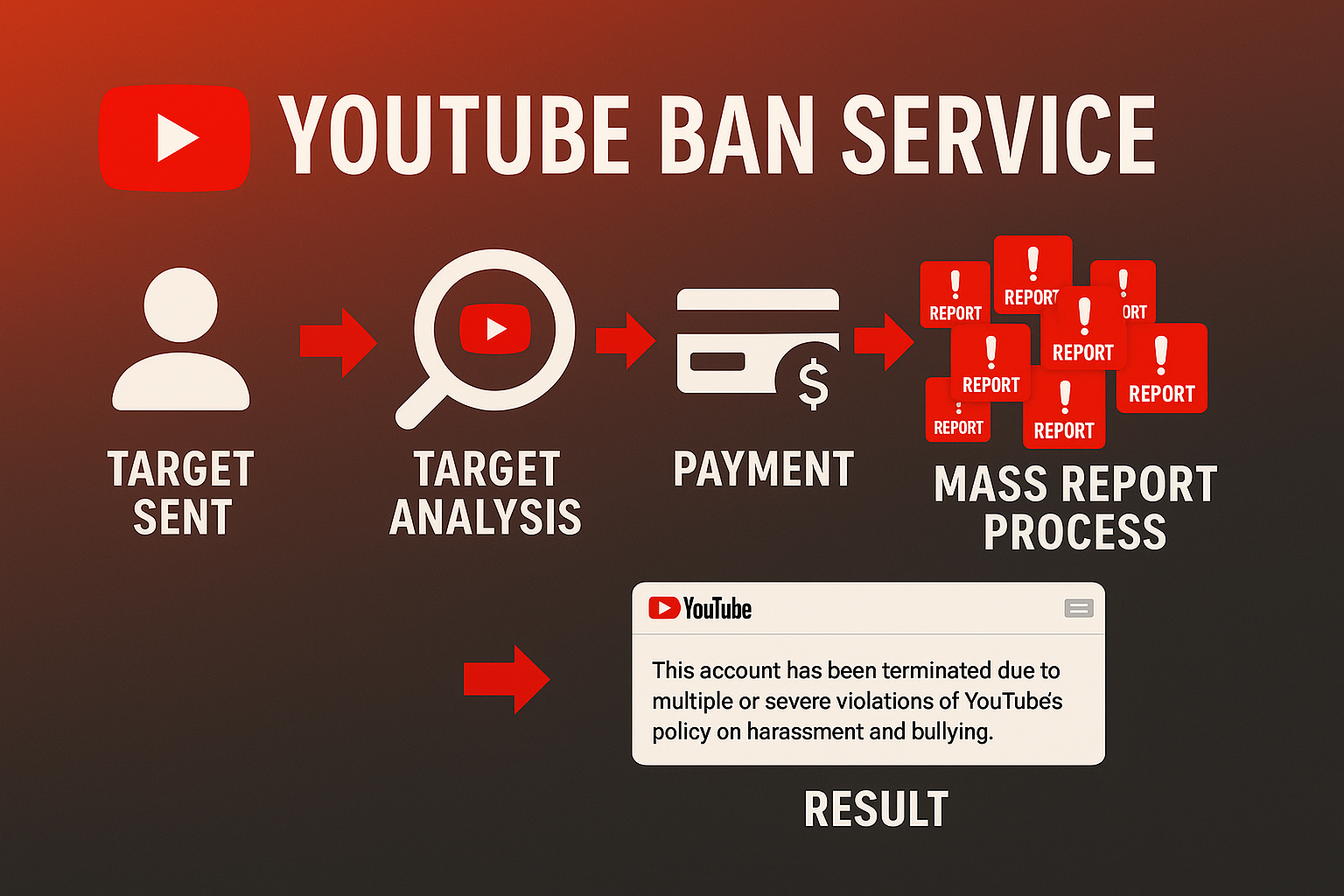
What does a YouTube mass report bot or channel bot claim to do?
A YouTube mass report bot claims to force a takedown by pointing a wave of identical complaints at one channel from many accounts at once. Sellers dress it up as a web panel, a Telegram service, or an app you sideload, and the pitch never changes: buy enough reports and the channel disappears. The whole idea rests on one assumption, that reports stack like votes until YouTube hits a hidden threshold and pulls the channel. That threshold is not real. On YouTube a report opens a review; it never adds up to an automatic removal. A "mass report youtube channel bot" is selling a mechanic the platform deliberately left out, so the question worth asking is not how many reports you can fire off, but what a reviewer is actually permitted to act on.
Is a report the same as a strike on YouTube?
No, and mixing up the two is the single biggest misread behind YouTube mass reporting. A report is a flag that asks YouTube's reviewers to look at something. A strike is a penalty that only lands after a trained reviewer confirms the content breaks a named rule. Reports are anonymous and judged on the content rather than the crowd: YouTube's Help Center states plainly that "if our review team doesn't find any violations, no amount of reporting will change that, and the video will remain on our site." Reviewers also weigh a flagged video against every Community Guideline, not only the reason you selected. So a thousand coordinated flags and a single careful one are reviewed the same way; what separates them is whether a real violation is there to find. A bot only inflates the part that carries no weight.
How does YouTube's Community Guidelines strike system actually work?
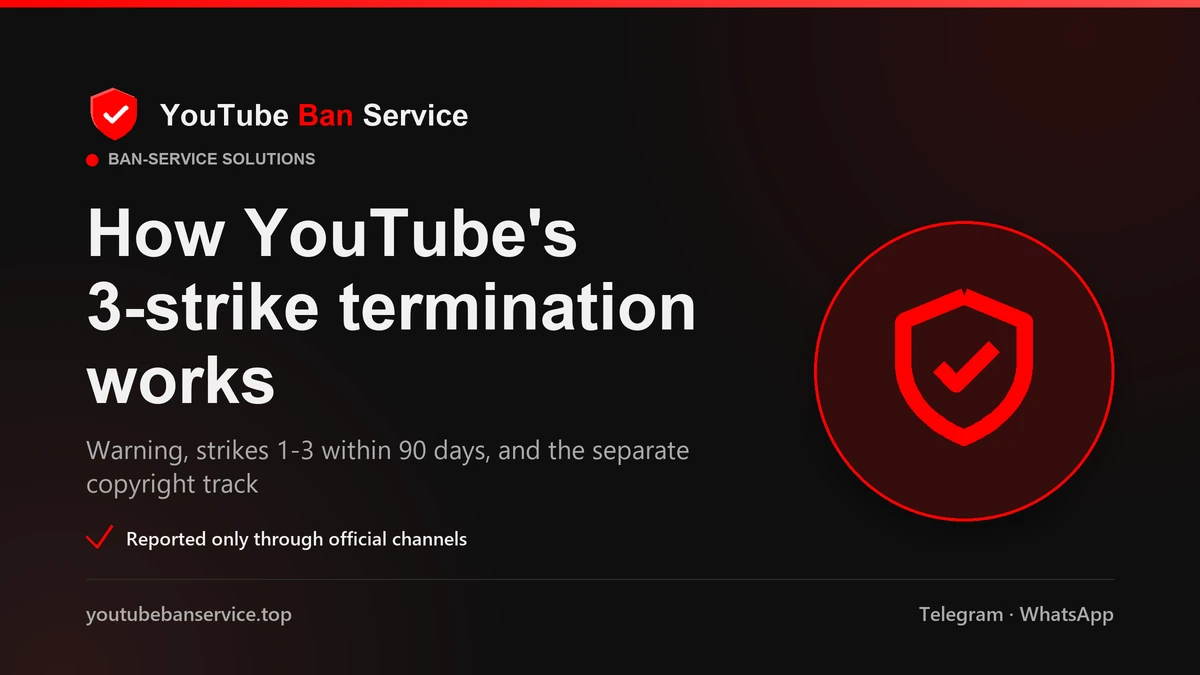
It runs on a warning followed by a three-strike ladder, where timing matters far more than volume. The first time a channel crosses a content policy, YouTube usually issues a one-time warning with no penalty, and an optional Policy Training can clear it after 90 days. After that, strikes escalate on a fixed track:
- First strike — a one-week freeze on uploading, posting, and live streaming.
- Second strike, within 90 days — the freeze extends to two weeks.
- Third strike, within 90 days — the channel is permanently terminated.
Each strike stays on the record for 90 days from the day it was issued, then expires, and deleting the offending video does not erase it. The gravest abuse can skip the ladder altogether and terminate a channel on the first instance. The full mechanics are set out in YouTube's Community Guidelines strike basics. Notice what none of these steps mentions: how many people reported the channel.
Community Guidelines strikes, copyright strikes, and Content ID: which one removes a channel?
All three can end a channel, but they are separate systems with separate counters, and a bot understands none of them. YouTube keeps two independent three-strike tracks plus an automated copyright-matching layer. Community Guidelines strikes come from policy breaches such as scams or harassment. Copyright strikes come only from a valid legal removal request by a rights holder. Content ID is the automated layer that matches uploads against reference files and usually produces a claim, not a strike at all. The table lines them up:
| System | What triggers it | Effect on a channel |
|---|---|---|
| Community Guidelines strike | A reviewer confirms a content-policy breach — scams, harassment, spam, dangerous content | Three in 90 days terminates the channel |
| Copyright strike | A valid legal takedown filed by the genuine rights holder | Three in 90 days removes the channel and all its videos |
| Content ID claim | YouTube's system auto-matches copyrighted audio or video | Usually monetises or blocks the video; not a strike on its own |
Because the two strike counts never merge, the right lever depends entirely on why a channel should come down. That is a judgement a report-spamming tool cannot make for you.
If you own the video, copyright beats any report bot
When someone re-uploads your work, the strongest move on YouTube has nothing to do with report volume: it is a copyright takedown you are legally entitled to file. A genuine rights holder can submit a removal request through YouTube's copyright webform, and a valid one pulls the infringing upload and puts a copyright strike on that channel. Repeat infringers hit the three-strike ceiling and lose the whole channel, every video, and the ability to start a new one. Content ID can also catch matched re-uploads automatically once you are an established rights holder. This route works precisely because it is evidence-based and tied to ownership, the opposite of a "mass report youtube" campaign. It is also why we file a copyright claim only when you actually hold the rights, since a knowingly false claim is itself a violation. If your originals are being stolen, our official reporting solutions map the copyright path before anything is sent.
Which YouTube channels actually get reported and removed?
Only channels whose content maps to a written rule come down, so a credible report names the exact breach. In practice, deceptive channels dominate the removals: spam, scams, and deceptive practices made up more than 90% of all channel-level takedowns between 2019 and 2024, according to YouTube's Community Guidelines enforcement Transparency Report. The categories reviewers act on most, and the ones our team handles, are concrete:
- Scam and impersonation channels — fake giveaways, crypto-doubling cons, and clones of a real creator or brand
- Stolen, re-uploaded videos, handled through the copyright route above
- Targeted harassment, threats, and doxxing aimed at a person
- Spam, sub-bot, and fake-engagement networks
- Dangerous or clearly illegal content, with severe cases escalated to authorities
"This creator annoys me" is not a policy, so it leads nowhere. A report that quotes the exact guideline — the deceptive-practices rule, say, or the harassment policy — and links the video that breaks it is the kind a reviewer can confirm and act on.
Can mass reporting get your own channel struck instead?
Yes, and on YouTube the blast radius is bigger than one app. Two risks stand out. First, organising a pile-on is rule-breaking in itself: coordinating false reports to harass a creator can breach YouTube's harassment policy, and the accounts driving the campaign are usually the ones that get actioned. Second, almost every "free youtube mass report tool" wants something dangerous in return. Many ask you to sign in with your Google account, or hand over a token "to send the reports for you" — but that same login controls your Gmail, Drive, and every other Google service, so giving it away invites a full account takeover, not just a lost channel. Others are simply paywalled vapourware that take crypto and file nothing you can check. A guaranteed, overnight, or "100% undetectable" ban is the giveaway: no script can deliver that, because the decision belongs to YouTube's reviewers and nobody else.
How to mass report a YouTube channel or video the right way
The honest version of "how to mass report a YouTube channel" is simpler than any bot: one accurate report, filed correctly, opens a review that volume never could. The steps differ a little for a single video versus a whole channel:
- To report a video, click the three dots beside or beneath the player, choose Report, and pick the reason that genuinely fits.
- To report a channel, open the channel page, go to the About tab, click the flag icon, and select "Report channel" — you can attach several videos in one submission.
- Name the precise guideline the content breaks instead of the nearest convenient label, since reviewers check it against all policies regardless.
- Capture the URLs and dated screenshots before anything is edited or taken down.
- For stolen work, use the copyright webform rather than the report button.
Prefer to hand it over? Our team can file the report for you, or you can see how the wider YouTube ban service qualifies a case before anything is submitted. A single precise report from the right person beats a thousand from a bot.
None of this is an argument against reporting. A channel that runs scams, steals videos, or targets someone for abuse should be reported, and YouTube's own tools plus the copyright process are exactly how that happens. What does not work is paying a bot to fake a crowd. When a case is genuine, we qualify it, choose the Community Guidelines or copyright track, and leave legitimate channels alone.
Sources
- YouTube Help — Community Guidelines strike basics (warning, three-strike ladder, 90-day expiry)
- YouTube Help — Understand copyright strikes (three strikes terminate; separate from Content ID)
- YouTube Help — Report inappropriate content (reporting is anonymous and reviewed by humans)
- Google — YouTube Community Guidelines enforcement Transparency Report
FAQ
Does a YouTube mass report tool actually work?
No. A YouTube mass report tool sends complaints into a queue that is never scored by quantity. YouTube removes a channel only when a reviewer confirms a real Community Guidelines or copyright breach, so one accurate report outperforms thousands of automated ones that get dismissed together.
How many reports does it take to delete a YouTube channel?
There is no threshold number, because YouTube never tallies reports toward removal at all. A channel is terminated only after three confirmed Community Guidelines strikes inside 90 days, three copyright strikes, or one severe violation — outcomes a crowd of reports cannot fabricate.
How do you mass report a YouTube channel safely?
Use YouTube's own tools rather than a bot. Open the channel's About tab, click the flag icon, choose Report channel, and attach the specific videos that break a named guideline. For a single clip, use the three-dot Report menu on the video. One precise, evidence-backed report is what opens a genuine review.
Can you mass report a single YouTube video?
Yes, you can report an individual video through the three-dot menu by the player, and you can flag several videos at once when you report the whole channel. But reporting a YouTube video many times does not speed up removal; a clip comes down only if review finds it breaks a guideline, no matter how many reports it collects.
Can mass reporting get your own YouTube channel banned?
It can. Coordinating false reports to bury a creator can breach YouTube's harassment policy, and the organisers are the ones who get actioned. Worse, many 'free' report bots ask for your Google sign-in, which controls Gmail and Drive too, so handing it over risks losing your entire account, not just your channel.